Game guide · JIUDINGST
Jigsaw Sudoku: from controls to your first round
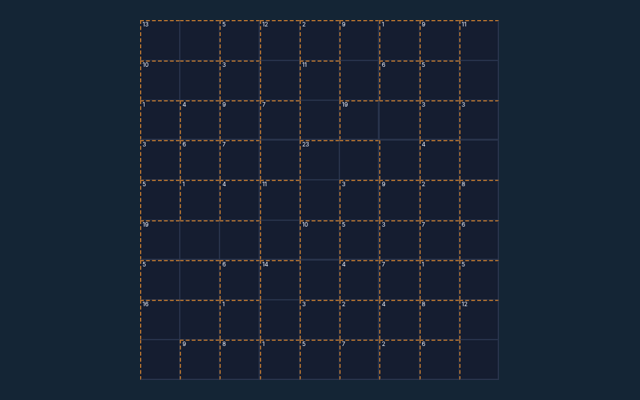
Take a moment with Jigsaw Sudoku before moving to another game. Fill each row, column and irregular coloured nine-cell region with 1–9 once. Keep the game area visible while you use its controls. Read the objective before making your first input. Look at what changes after your first action.
This collection contains 6 puzzles. Progress is saved in this browser. The same puzzle can appear again; the collection is not labelled with calibrated difficulty levels.
Build familiarity through play
Choose one rule to keep in mind for this round. Apply it consistently rather than guessing what another version might allow. Use the example to check your reasoning.
What the game asks you to do
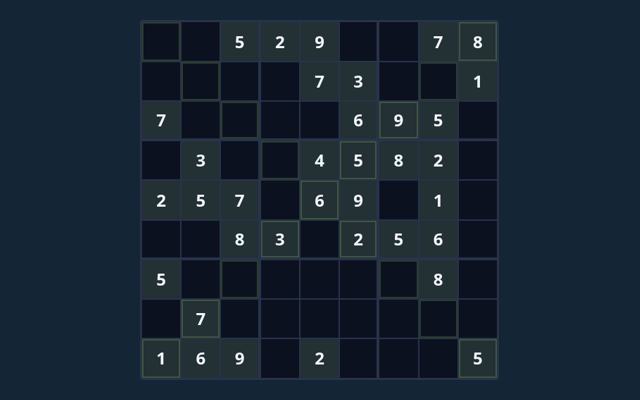
Fill each row, column and irregular coloured nine-cell region with 1–9 once. The feedback beside the game helps you follow the round. The example below illustrates a decision.
How a round unfolds
- Select an editable cell.
- Enter a value using the keypad or keyboard; Notes stores candidates.
- Read the region, cage, arrow or outside clues alongside the normal constraints.
- Check entries verifies the completed board; Undo reverses your last input.
- New puzzle selects another included puzzle.
Choosing and moving on screen
Click or tap cells and the digit pad. Use Notes, Undo and Reveal selected. Large boards scroll inside the game. A careful first action helps you become familiar with the layout. Avoid pressing the same control repeatedly while a move is being processed.
Follow the example
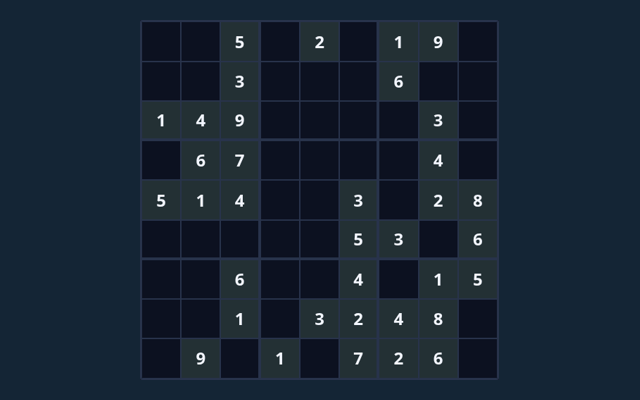
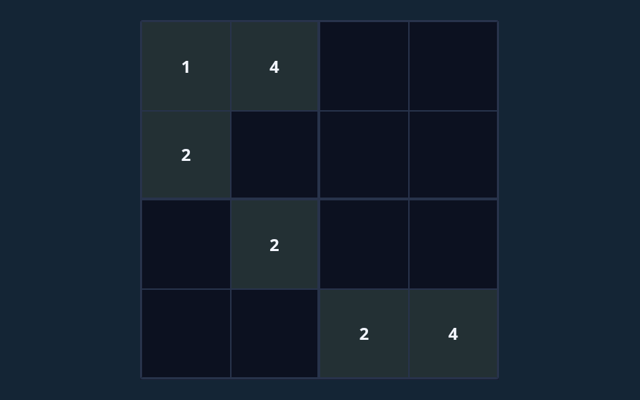
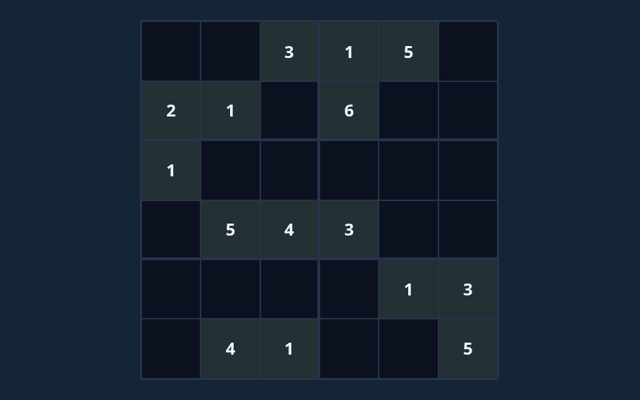
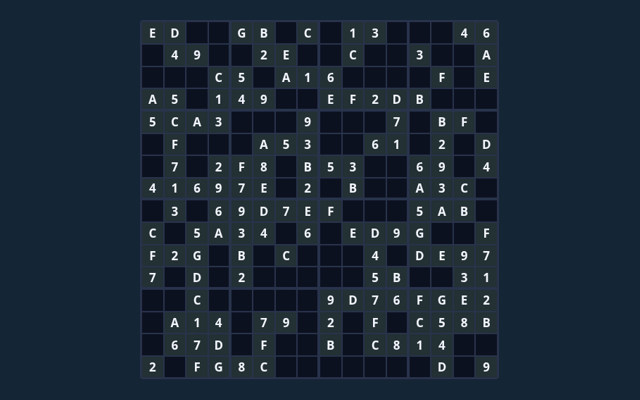
The coloured region, not a conventional 3×3 box, defines the third no-repeat constraint. Apply the same reasoning to the position in your own round. Notice the change in the playing area.
A mistake to avoid
A full board must obey every extra rule. Reveal supplies assistance; it is not an earned deduction. Take a moment to reassess the position before continuing. Take enough time to read a new position. If a game has a timer, learn its controls first rather than searching for them during the round.
Helpful answers for players
For this browser game, what is the goal of Jigsaw Sudoku?
For clarity: Fill each row, column and irregular coloured nine-cell region with 1–9 once.
While reading the Guide, how do I control Jigsaw Sudoku?
Keep this in mind: Click or tap cells and the digit pad. Use Notes, Undo and Reveal selected. Large boards scroll inside the game.
For this browser game, what example helps explain Jigsaw Sudoku?
Keep this in mind: The coloured region, not a conventional 3×3 box, defines the third no-repeat constraint.
On this playing page, what should I watch out for in Jigsaw Sudoku?
Here is the relevant explanation: A full board must obey every extra rule. Reveal supplies assistance; it is not an earned deduction.
As a new player, what format does Jigsaw Sudoku offer?
For clarity: This collection contains 6 puzzles. Progress is saved in this browser. The same puzzle can appear again; the collection is not labelled with calibrated difficulty levels.
When I return, which play mode does Jigsaw Sudoku use?
The key detail is this: The mode on this page is Solo. Same-device play uses one screen; this game library does not provide internet matchmaking.
For my first round, where should I start with Jigsaw Sudoku?
Select an editable cell.
When I return, do I need an account or a payment for Jigsaw Sudoku?
Here is the relevant explanation: No player account or payment is needed. Game scores are recreational results, not cash prizes.
While learning, how can I find Jigsaw Sudoku again?
The key detail is this: Use the Games list or save this game page in your browser bookmarks. The Guide is linked from the playing page.
Before I begin, how do I report an issue with Jigsaw Sudoku?
Keep this in mind: Use the contact form and include the game name, browser, device and the actions that led to the issue. Do not send passwords or payment details.